Squad: An AI Dev Team That Actually Ships Code
I created a GitHub issue. Five minutes later, a feature branch existed, tests were passing, a code review was posted, and the PR was merged into main.
I did not write a single line of code.
That is Squad.
What is Squad?
Squad is a multi-agent framework by Brady Gaster that turns a .squad/ folder in your repo into an AI development team. Each agent has a name, a charter (what they know, what they own), and a history of past work. A coordinator called Ralph watches the GitHub issue board, routes work to the right agent, and keeps the loop moving until the board is clear.
That is the whole game: issue in, merged PR out.
The team I built
I set up a small full-stack demo app — an Astro frontend with a FastAPI backend — and then initialized a squad for it.
npm install -g @bradygaster/squad-cli
squad init
That scaffolds a .squad/ directory with team config, routing rules, agent charters, and templates. I customized the team to have five members:
| Name | Role | What they own |
|---|---|---|
| Keaton | Frontend Engineer | Astro pages, components, CSS, layouts |
| McManus | Backend Engineer | FastAPI endpoints, Pydantic models, data store |
| Fenster | QA & Test Engineer | Unit tests, integration tests, edge cases |
| Hockney | DevOps & Infra | Docker, CI/CD, GitHub Actions |
| Verbal | Tech Lead | Architecture, code review, decisions |
Plus the built-in Ralph (coordinator) and Scribe (session logger).
Each agent has a charter file at .squad/agents/{name}/charter.md that describes their identity, expertise, and working style. The routing table in .squad/routing.md maps work types to agents:
| Work Type | Route To | Examples |
|---|---|---|
| Frontend UI | Keaton | Astro pages, components, CSS |
| Backend API | McManus | FastAPI endpoints, Pydantic models |
| Testing | Fenster | Unit tests, integration tests |
| Infrastructure | Hockney | Docker, CI/CD, deployment |
| Architecture & Review | Verbal | Design decisions, code review |
The Ralph Loop
Ralph is the engine that makes this work. Here is the flow:
- A GitHub issue gets the
squadlabel - Ralph scans the board, reads the issue
- The lead agent (Verbal) triages — analyzes the content, assigns a
squad:{member}label - The assigned agent picks up the issue on a feature branch
- They implement the work and create a PR
- The lead reviews the PR
- If approved, Ralph merges it and closes the issue
You kick it off with one command:
copilot --agent squad --allow-all --no-ask-user \
  -p "Ralph, go"
That is everything. Ralph takes it from there.
The demo: adding a stats endpoint
I created a GitHub issue asking for a GET /api/tasks/stats endpoint that returns aggregate statistics about the task board — total count, breakdown by status, breakdown by assignee.
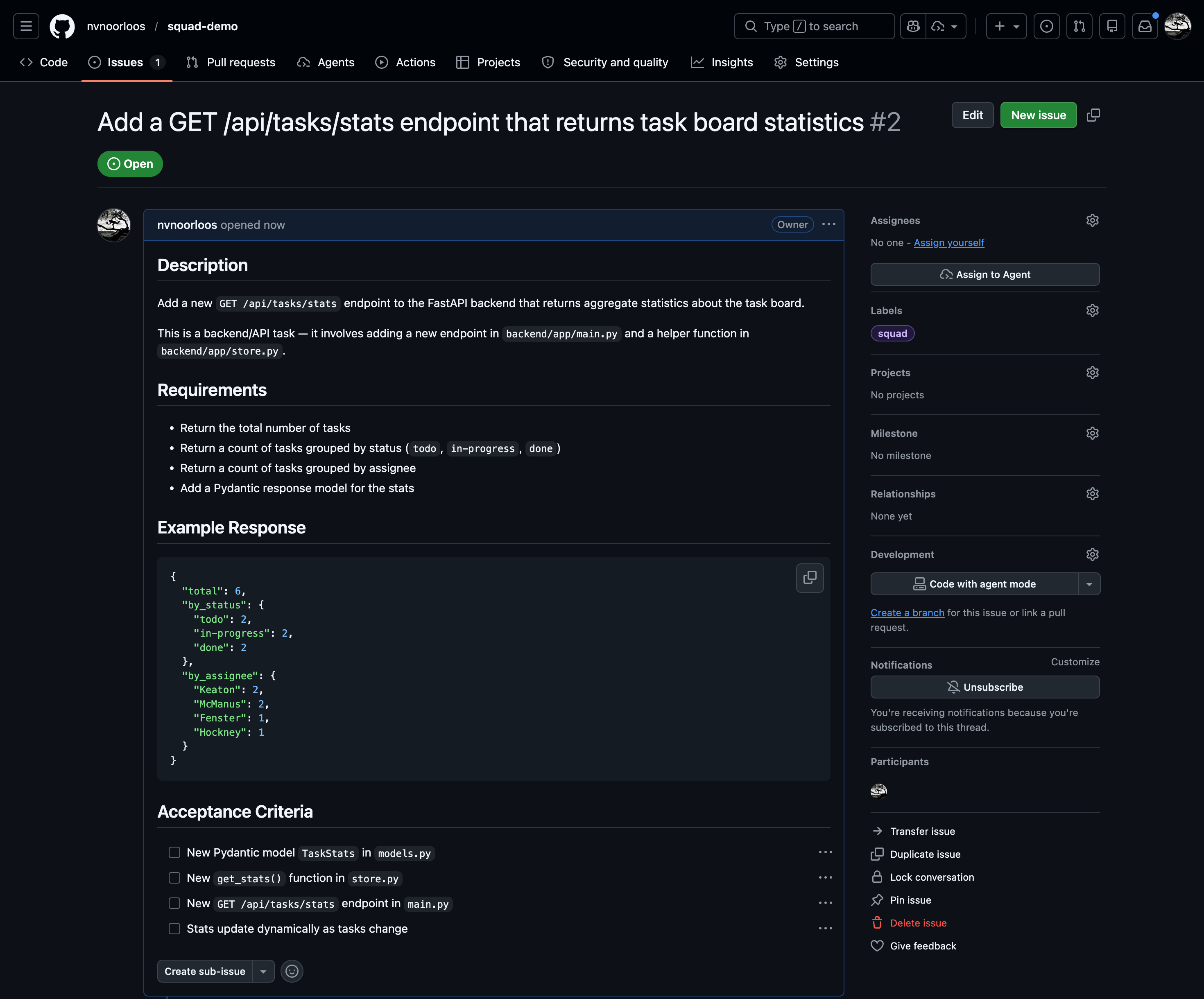
The issue got the squad label, which puts it in the triage inbox.
Step 1: Ralph finds the issue
When I launched the Copilot CLI with the squad agent, Ralph loaded the team configuration, read routing rules, and scanned the GitHub board:
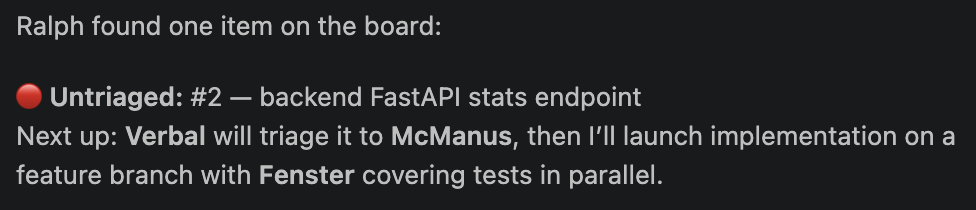
Ralph correctly identified this as backend work from the issue description mentioning FastAPI, backend/app/main.py, and Pydantic models.
Step 2: Verbal triages
Verbal, the tech lead, read the issue details and applied the squad:mcmanus label. This is the signal that McManus owns this work.
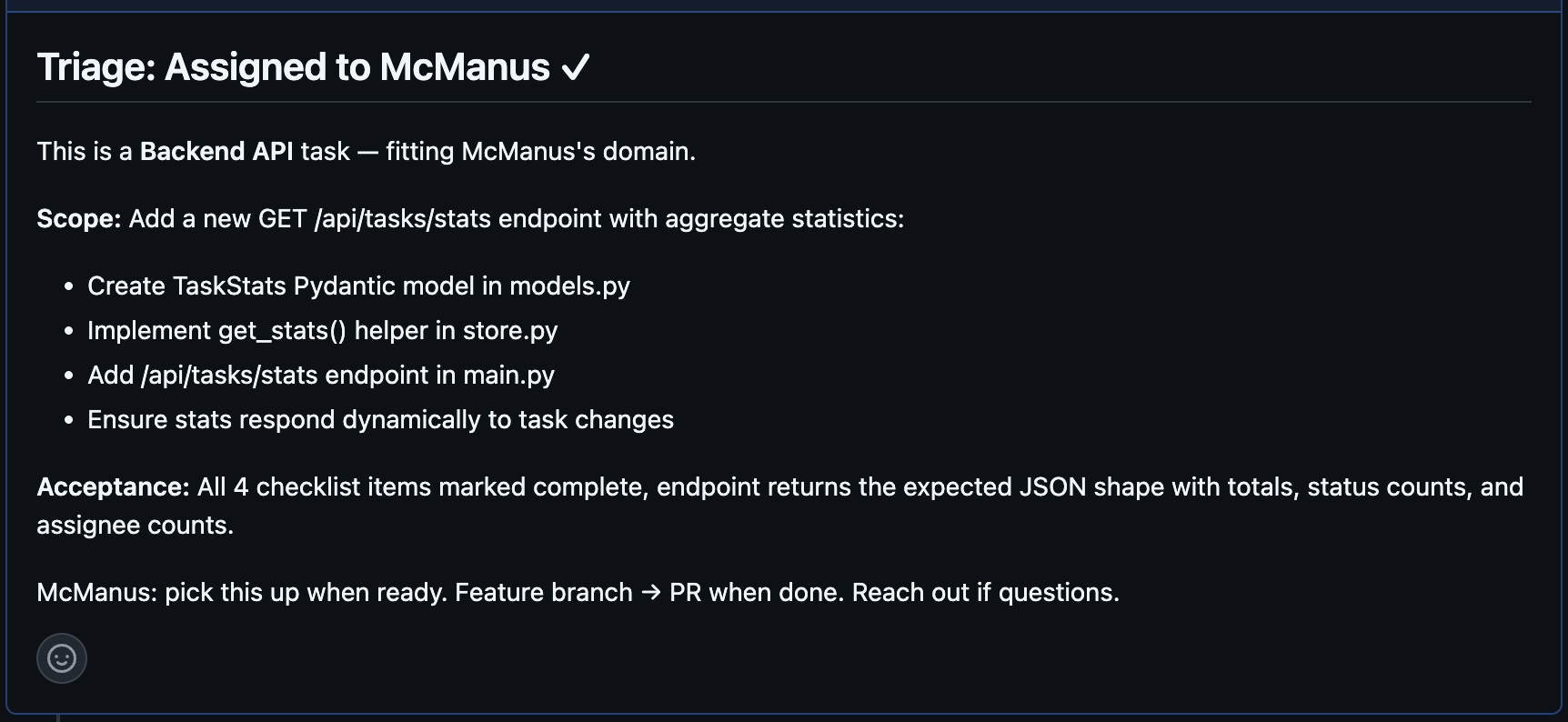
Step 3: McManus implements
McManus got dispatched as a sub-agent running on claude-sonnet-4.5.
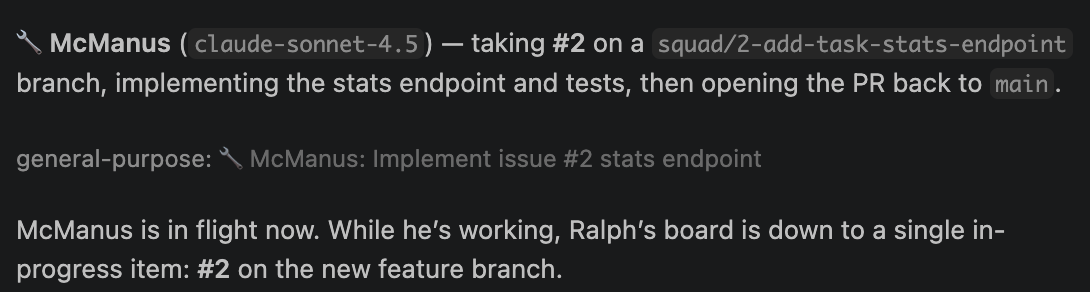
He:
- Created a
squad/2-add-task-stats-endpointfeature branch - Implemented the requested feature + tests
- Opened PR #3 back to
main

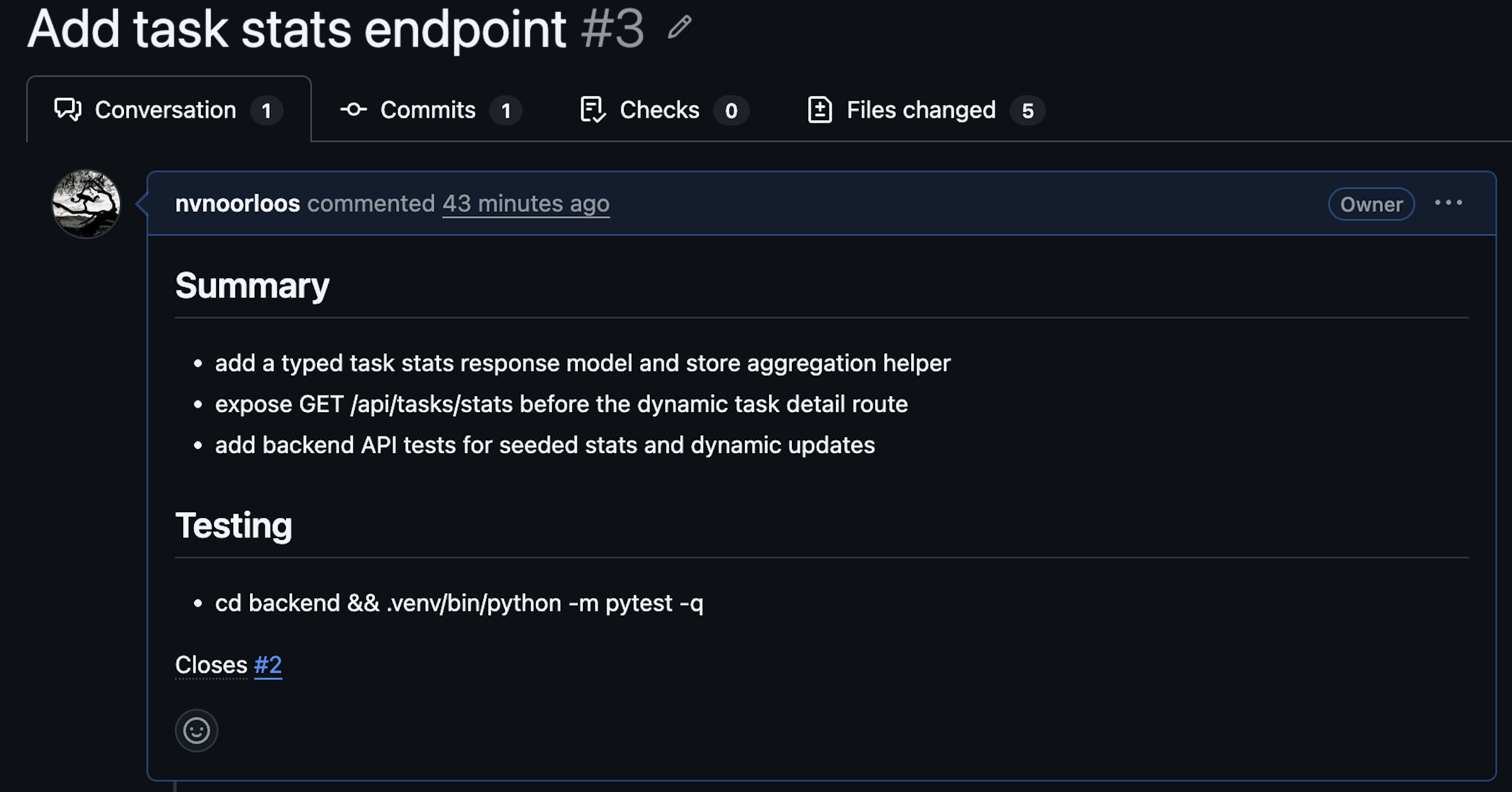
Five files changed, +141 lines, -2 lines. The PR description was clean:
Step 4: Verbal reviews
This is where it gets interesting. Verbal got bumped to claude-opus-4.6 for the review (the coordinator automatically picks a larger model for reviewer gates).

He checked out the branch, read the diff, and posted a detailed review:
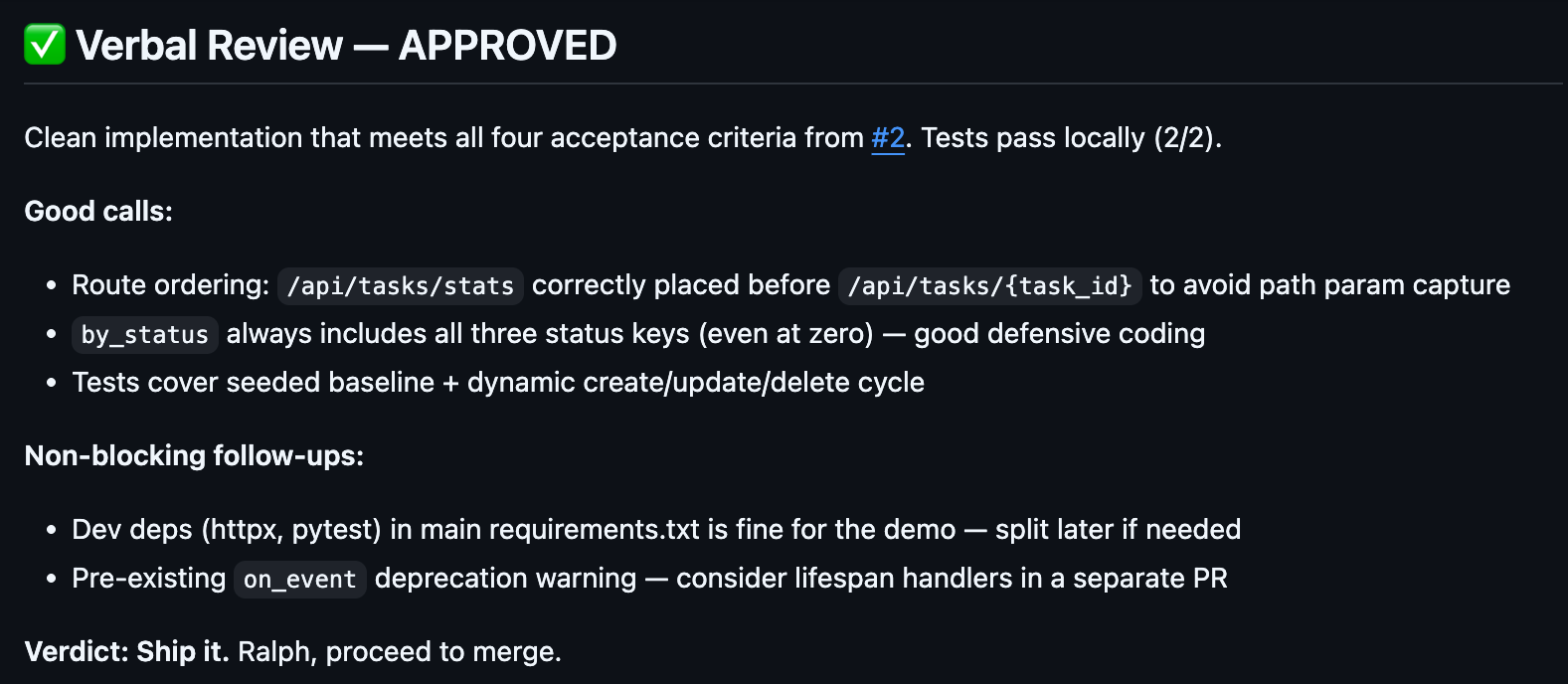
Verdict: Ship it. Ralph, proceed to merge!
Step 5: Ralph merges
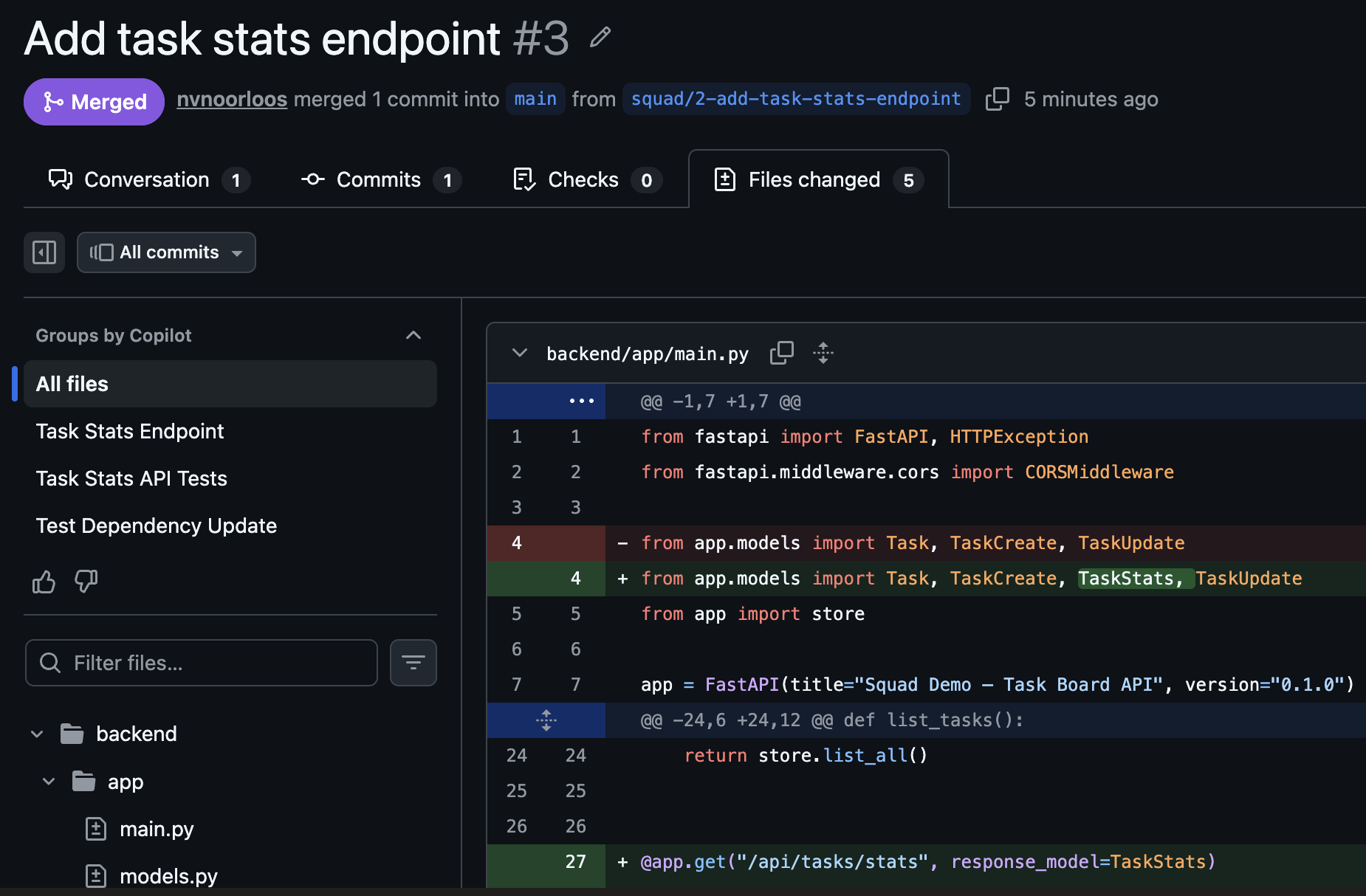
With the approval in, Ralph squash-merged the PR, deleted the feature branch, and closed issue #2.

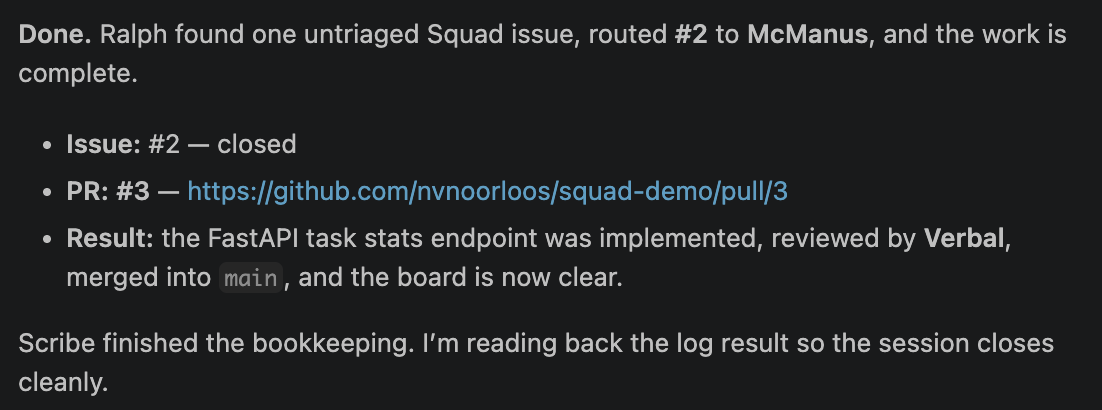
The board was clear. Scribe logged the full session back into Squad’s state files:
What actually happened under the hood
The whole flow took about five minutes from issue creation to merged PR. Here is what the Copilot CLI output looked like during the run:
- Ralph loaded
team.md,routing.md, all agent charters - Ralph scanned GitHub issues and PRs via
ghCLI - Verbal (claude-haiku-4.5, fast) triaged issue #2 → applied
squad:mcmanuslabel - McManus (claude-sonnet-4.5) implemented the feature on a branch, ran tests, opened PR
- Verbal (claude-opus-4.6, bumped for review) reviewed the PR → approved
- Ralph merged PR #3, closed issue #2
- Scribe (claude-haiku-4.5, background) logged the session to Squad’s state files
Notice how different agents run on different models. The coordinator picks the right model for the job — fast models for triage and logging, the main model for implementation, and a larger model for reviews that need careful reasoning.
The code McManus wrote
Here is the actual stats endpoint that got merged:
@app.get("/api/tasks/stats", response_model=TaskStats)
def get_task_stats():
    """Return aggregate task board statistics."""
    return store.get_stats()
And the model:
class TaskStats(BaseModel):
    total: int
    by_status: dict[str, int]
    by_assignee: dict[str, int]
Clean, typed, exactly what the issue asked for.
Why this is different from just using Copilot
You could ask Copilot to “add a stats endpoint.” It would write the code. But that is a single-shot interaction.
Squad gives you:
- Triage — a lead analyzes the issue and routes it to the right person
- Specialization — each agent knows their domain and sticks to it
- Review gates — code does not merge without a lead reviewing it
- Session history — agents remember what they have done before (!)
- Branching discipline — feature branches, clean PRs, squash merges
- Automatic logging — Scribe records every session in the Squad state files
That is not just code generation. That is a workflow.
Setup in your own repo
If you want to try this:
# Install the CLI
npm install -g @bradygaster/squad-cli

# Initialize in your repo
cd your-project
squad init

# Check the team
squad doctor
Then create your Team:
copilot --agent squad --allow-all --no-ask-user \
  -p "I'm starting a new project. Set up the team."
Create a GitHub issue, slap the squad label on it, and run:
copilot --agent squad --allow-all --no-ask-user \
  -p "Ralph, go"
Watch what happens.
My Thoughts?
Could you set this up manually with custom instructions and prompt chaining? Sure. But Squad gives you the structure for free: charters, routing, ceremonies, history. It is the difference between a script and a framework.
I have already had genuinely impressive results using Squad, and based on that I will absolutely keep using it!
Squad is still early (v0.9.1) and an Alpha status project, so use at your own risk ;)
Links
- squad-demo repo (the full project)
- Issue #2 (the original issue)
- PR #3 (the merged pull request with Verbal’s review)
- Squad on GitHub
- Squad docs